The fastest way to ruin a profitable freelance year is operating out of a single business checking account. When $12,000 hits your balance after a major project milestone, it feels like free cash flow—until quarterly estimated taxes, annual software renewals, and a slow month collide at the exact same time.
Building a bulletproof bookkeeping and tax system for freelancers does not require an accounting degree or 10 hours a month buried in spreadsheets. By separating your cash into automated sub-accounts the moment an invoice clears and wiring your payment rails directly into a cloud ledger, you can keep your books audit-ready in under 15 minutes a week.
Step 1: The 4-Account Cash Allocation Architecture
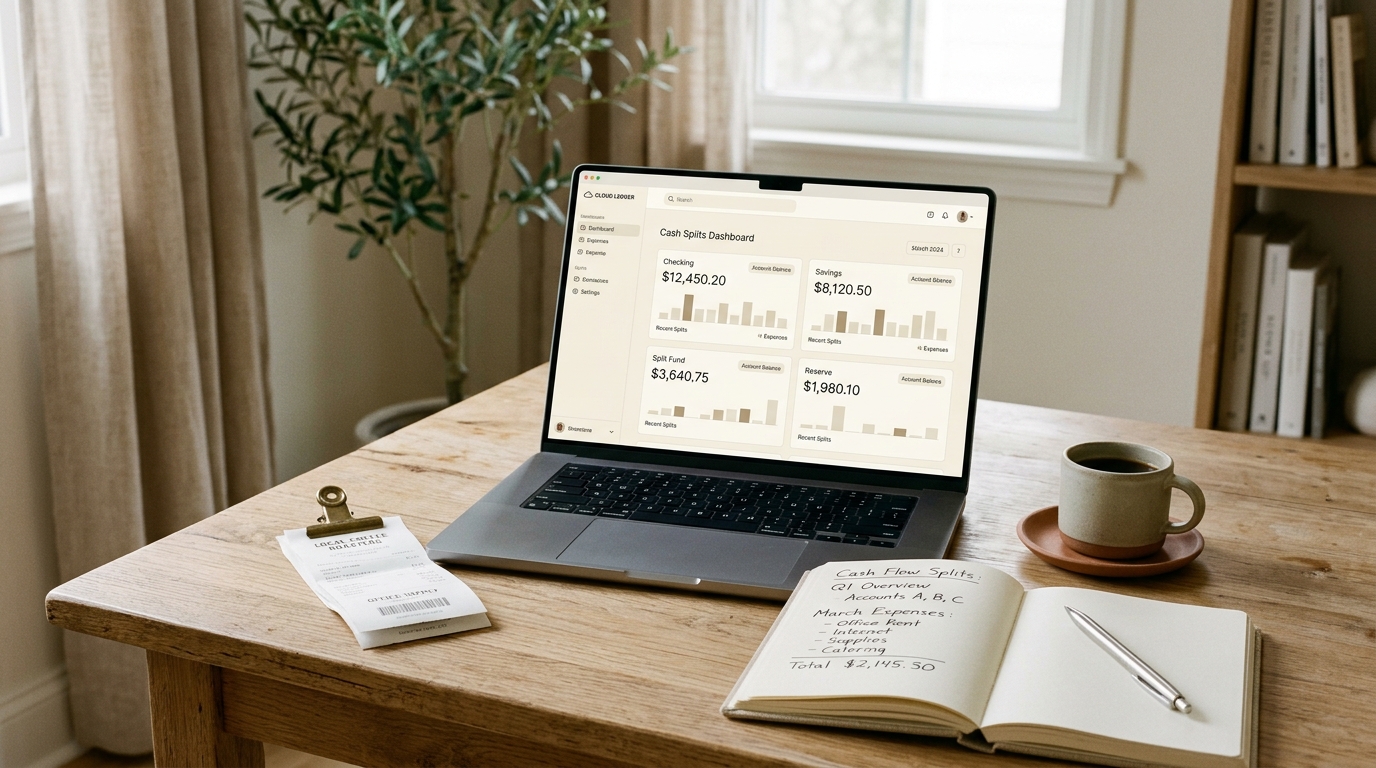
Inspired by the Profit First methodology, the core habit of financially resilient solo operators is giving every dollar a job before you ever look at your spendable balance. Modern business banking platforms like Relay Financial (which includes up to 20 free checking sub-accounts on its $0/month Starter tier) or Mercury let you automate percentage-based transfers every Friday.
| Sub-Account Bucket | Target Allocation % | Purpose & Strict Spending Rule |
|---|---|---|
| 1. Income Clearing Hub | 100% Incoming | Receives all Stripe, Wise, ACH, and wire payouts. Swept to zero twice a month. |
| 2. Tax Reserve Vault | 25% – 30% | Untouchable account (ideally earning high-yield savings APY) strictly for quarterly/annual taxes. |
| 3. Owner’s Pay / Salary | 45% – 55% | Transferred bi-weekly to your personal checking account as a predictable paycheck. |
| 4. Operating Expenses (OpEx) | 15% – 20% | Funds cloud servers, SaaS subscriptions, insurance, contractors, and hardware. |
If you bill international clients in USD, EUR, or GBP, pair this structure with a multi-currency freelance banking stack so you only convert foreign revenue into your local tax and owner-pay buckets on scheduled batch dates.
Step 2: Eliminating the Shoebox Receipt Trap
Tax authorities do not accept a credit card line item as proof of a business deduction—they require itemized vendor receipts showing what was purchased, the date, and any VAT or sales tax paid. Chasing down 140 PDF invoices from cloud hosts, airlines, and software vendors every April is miserable.
- Use a Dedicated Billing Email Alias: Create
[email protected](or a Gmail filter rule) and use it as the billing contact across every software subscription, domain registrar, and travel booking. - Auto-Forward PDFs to Your Accounting Inbox: Both Xero and QuickBooks Online give your account a unique intake email address. Set an automated forwarding rule so every PDF attachment hitting your receipts alias is automatically parsed via OCR and matched to the corresponding bank feed transaction.
- Snap Physical Receipts Immediately: Whenever you pay for a client lunch, coworking day pass, or hardware cable in person, snap a photo inside your banking or accounting mobile app before leaving the counter and trash the thermal paper.
Step 3: Choosing the Right Ledger for Your Stage
Do not overbuy accounting software on day one, and do not stay on a fragile spreadsheet once you cross $50,000 in annual revenue:
- Under $40k/Year (Beginners & Side-Hustlers): A clean double-tab spreadsheet or Wave / Xero Starter ($32/mo standard) is plenty, provided you keep personal and business transactions 100% separated on dedicated cards.
- $40k to $150k+ / Multi-Currency Consultants: Upgrade to Xero Standard ($54/mo) or Xero Premium ($82/mo) if you hold native foreign currency balances, or QuickBooks Online if your local CPA works exclusively inside the Intuit ecosystem. Both sync natively with Stripe, Wise, and Relay feeds so bank reconciliation becomes a 10-minute Friday ritual.
The Friday 15-Minute Close: Every Friday afternoon, open your bank feed, approve the week’s auto-categorized transactions, verify that every expense over $75 has an attached PDF receipt, and let your automated cash-split rules move your tax reserve out of sight.

Slobodan
Longtime Freelancer & Web Developer